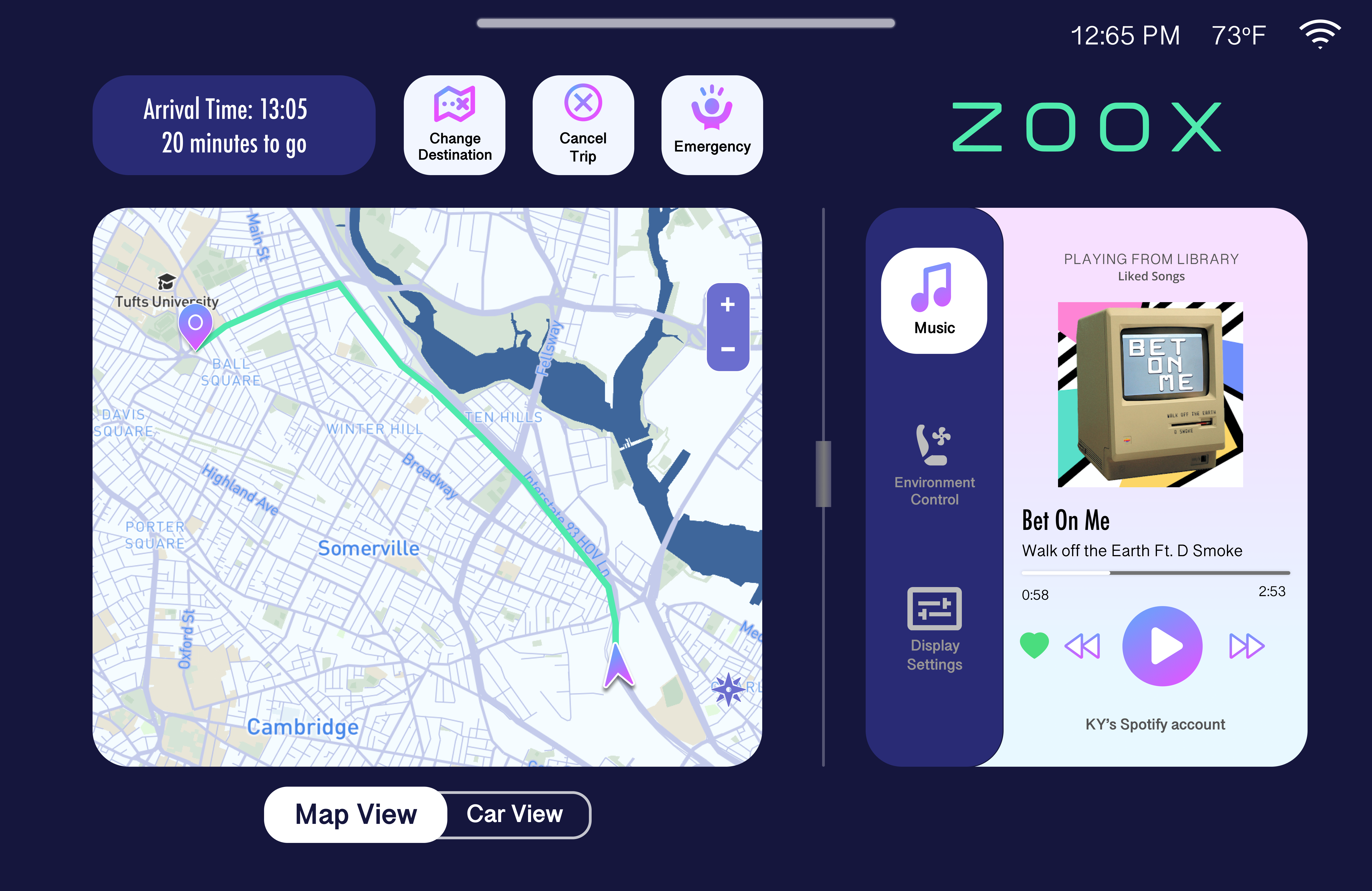
ZOOX Autonomous Vehicle In Car Display
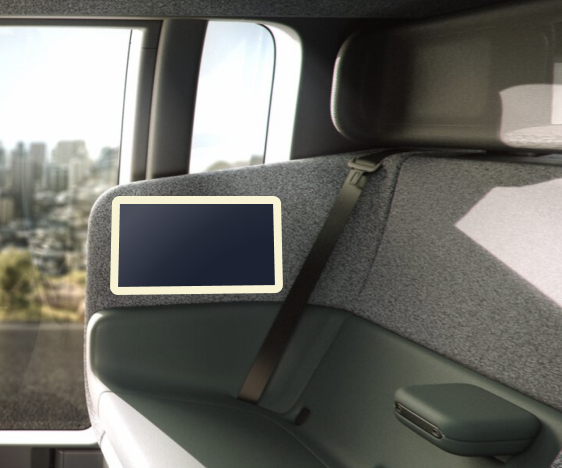
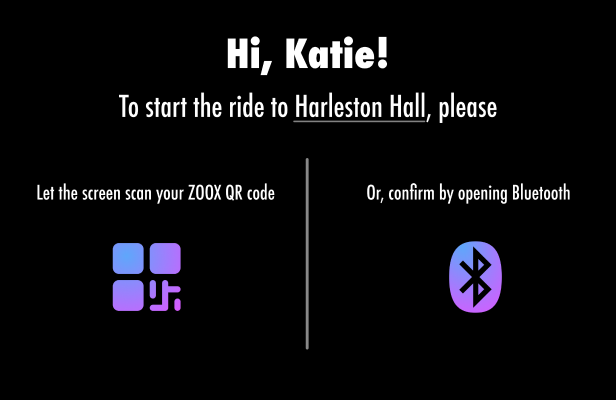
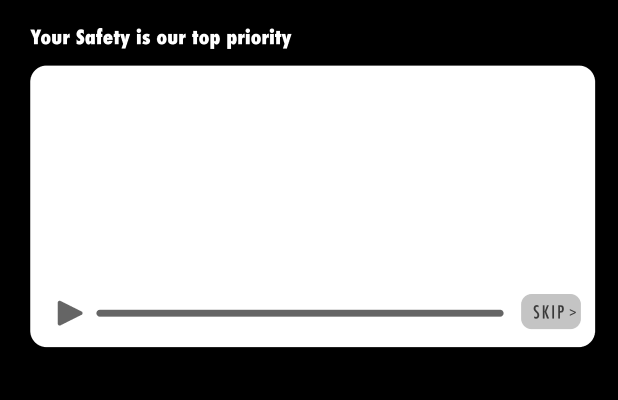
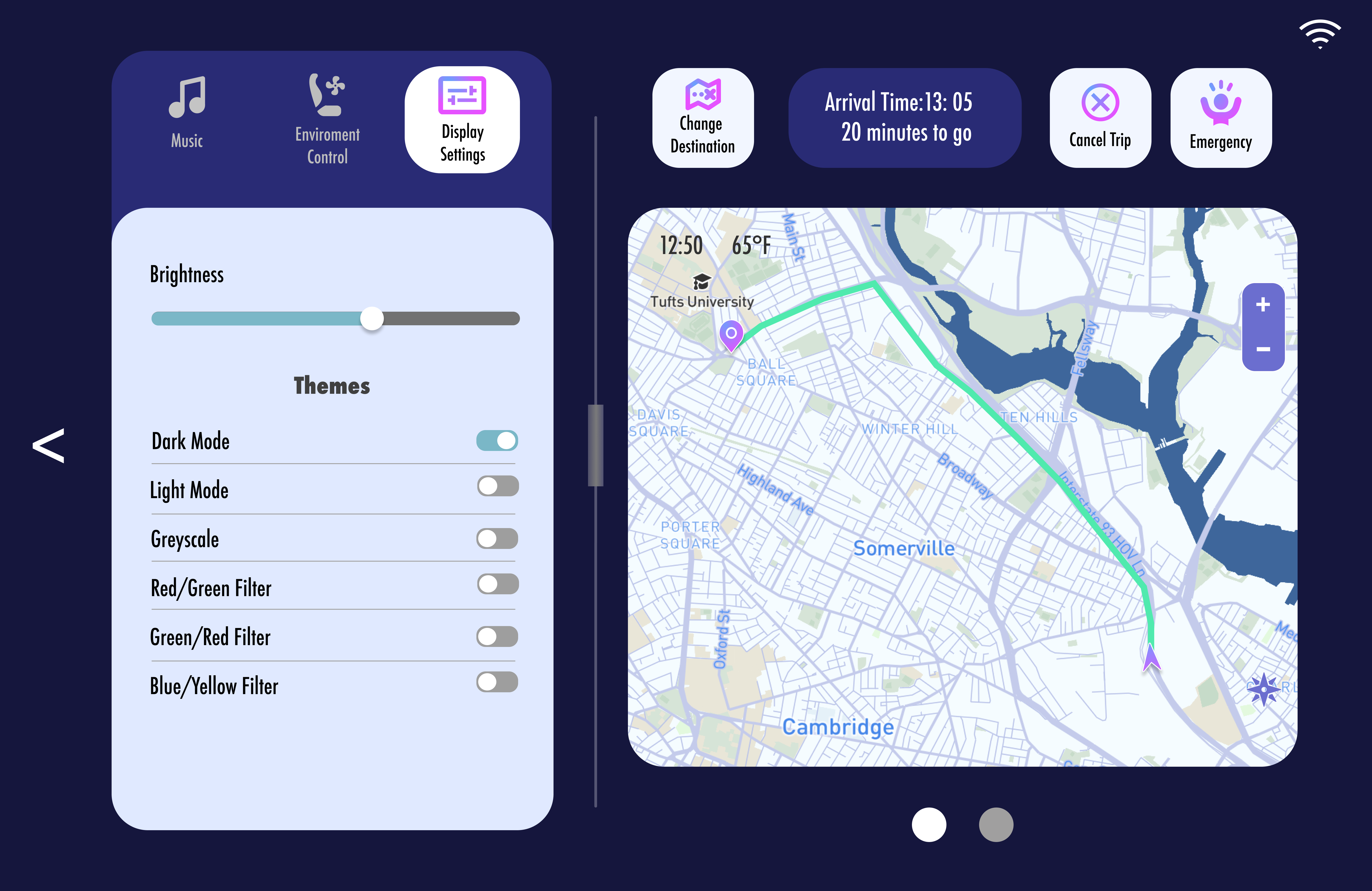
The display is Macbook Pro 14-inch in size and is located on the side of the seat. Created mood boards and 24 high-fidelity pages. Wireframed and prototyped with animations and transitions. Created lock screen design to prevent accidental interactions because of the physical placement of the display. Designed a full set of safety instructions and protocols, including declaring emergencies and video chat with staff.
Hypothetical Class Project
Project Owner
Design phase done
Design Overview
View Prototype in BrowserNeed Analysis
- Passengers' safety is paramount, and ZOOX as a start-up company must take strict precautions for their reputation
➡
Measures to ensure the safety of passengers and how to deal with them after an incident is required.
- ZOOX is a provider of novel technologies and products
➡
Showcase the technology involved and how the vehicle works
- ZOOX is currently positioned as a driverless taxi service provider
➡
It needs to have the usual features of taxi services, such as changing destinations
- As a fully autonomous vehicle, ZOOX do not have the control panel and steering wheel of ordinary cars
➡
Require ways to adjust interior environment settings, such as internal temperature
- Passengers' attention does not need to be on the road
➡
Entertainment can be provided to enhance the experience, such as in-car music player
- The screen is located at the side of passenger's seat, so it may be touched by mistake
➡
Requires mechanism to prevent accidental changes
Initial functional requirements checklist
- Safety
- Pre-ride safety instructions
- Declare emergencies, video call with safety advisor
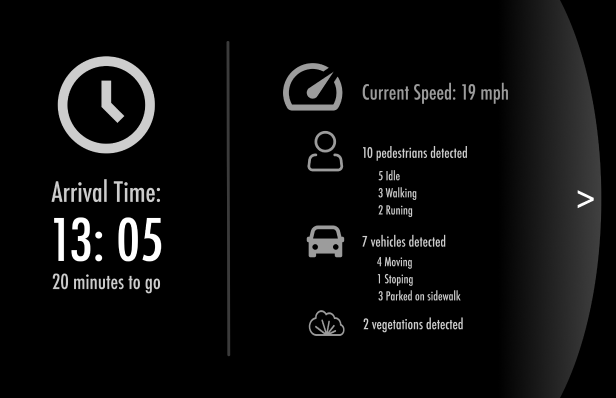
- Showcase ZOOX status
- Showcase what is detected by Computer Vision
- Showcase how the road is like from the vehicle's perspective
- Ride related functionalities
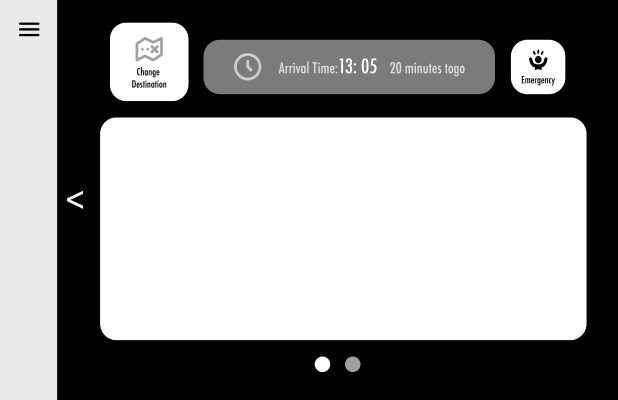
- Current location and time remaining
- Authenticate passenger, change destination, and cancel trip
- In-car environment controls
- Adjust temperature and seating
- Entertainment
- Music
- Prevent accidental changes
- Lockscreen
Deepen the requirements
- The seat wraps around and is beside the passenger's shoulder, so there might be accidental touches
➡
After a period of idleness, a lock screen would appear with basic information like time left till destination and car speed
- Pre-ride safety instructions
➡
Explain the safety functionalities, how to open the doors, and ways ZOOX ensure ride safety
- Passengers need to know the current location and might be curious to see what the road is like from the ZOOX vehicle's view
➡
Need to switch between Map View and Car View
- Music play and in-door environment controls might not be used frequently
➡
A pull-out page for these functions
- Export emergencies
➡
Lacks time for typing during emergencies, so needs pre-set templates and options for most likely scenarios
- Connect via video
➡
Might be no video even after connecting or the passenger isn't able to speak, so pre-set templates should be set too
Moodboard
Choose Moddboard 2 becuase it is closer too ZOOX official case and more distinguishable with other ride share companies
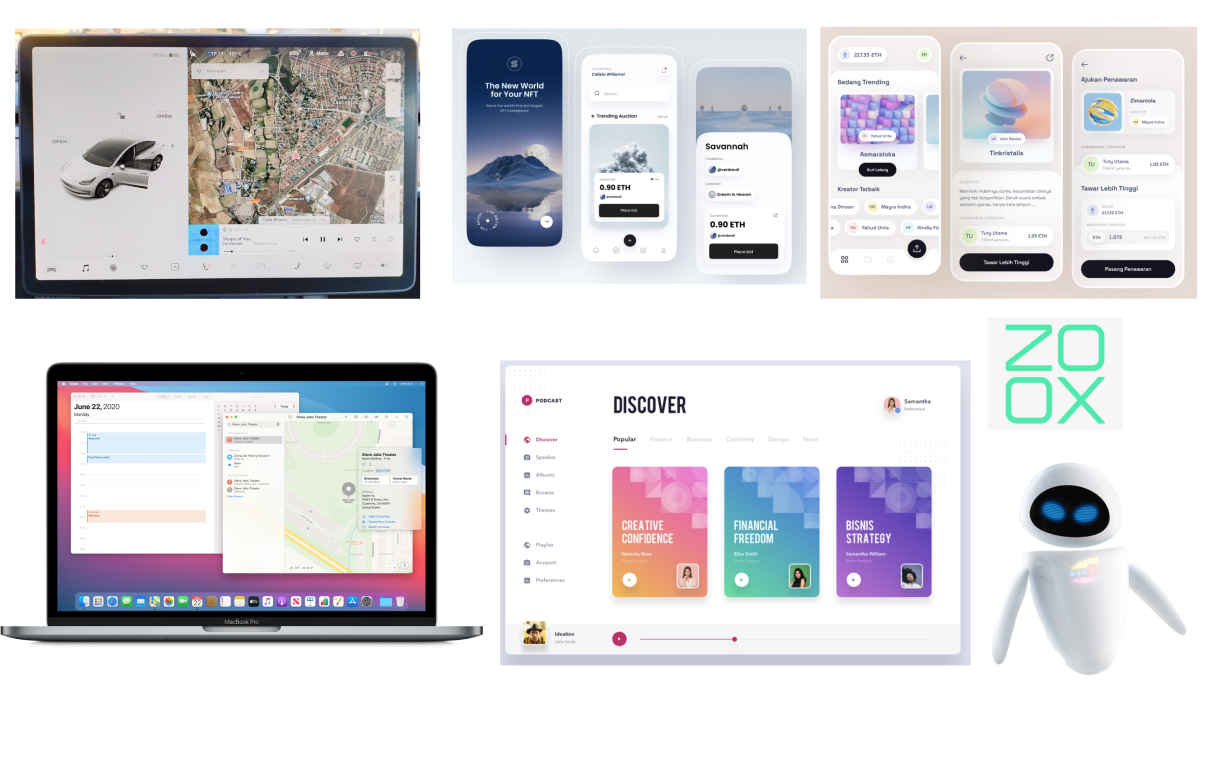
Moodboard 1. Light mode design that gives out a smart soft technology feeling as well as elegance with the bright and clean visual design. Mostly uses pastel colors to work as contrast to the background to aid information display.
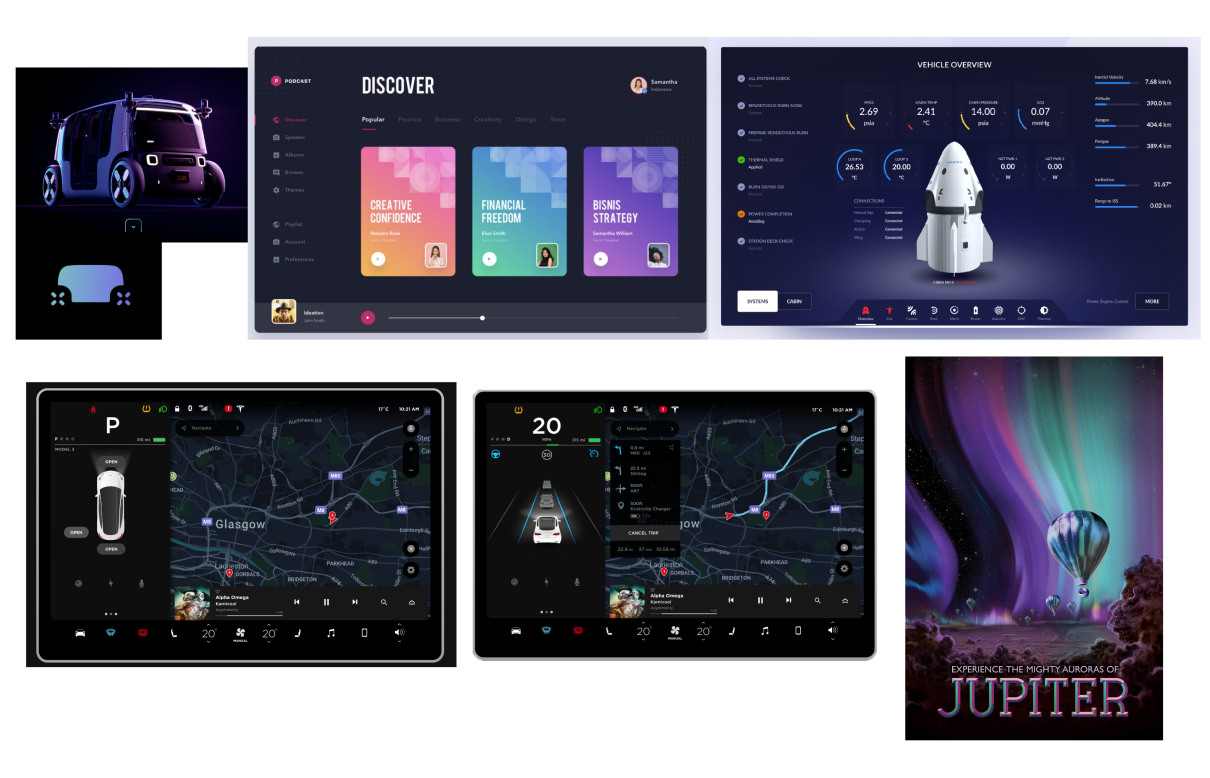
Moodboard 2. Dark mode design that gives out a serious futuristic, technological ambiance. High saturation colors are used as contrast to the background to put emphasis on the displayed information.
Wireframes
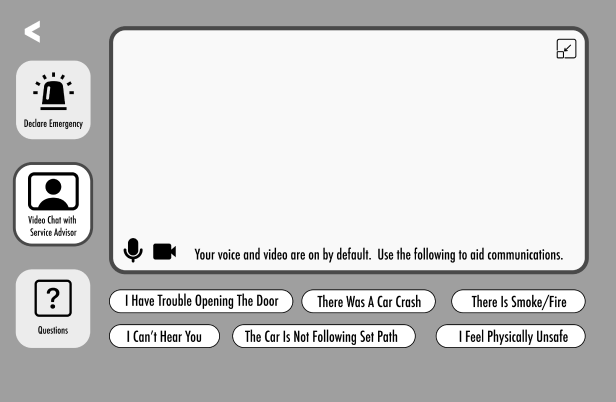
Prototypes
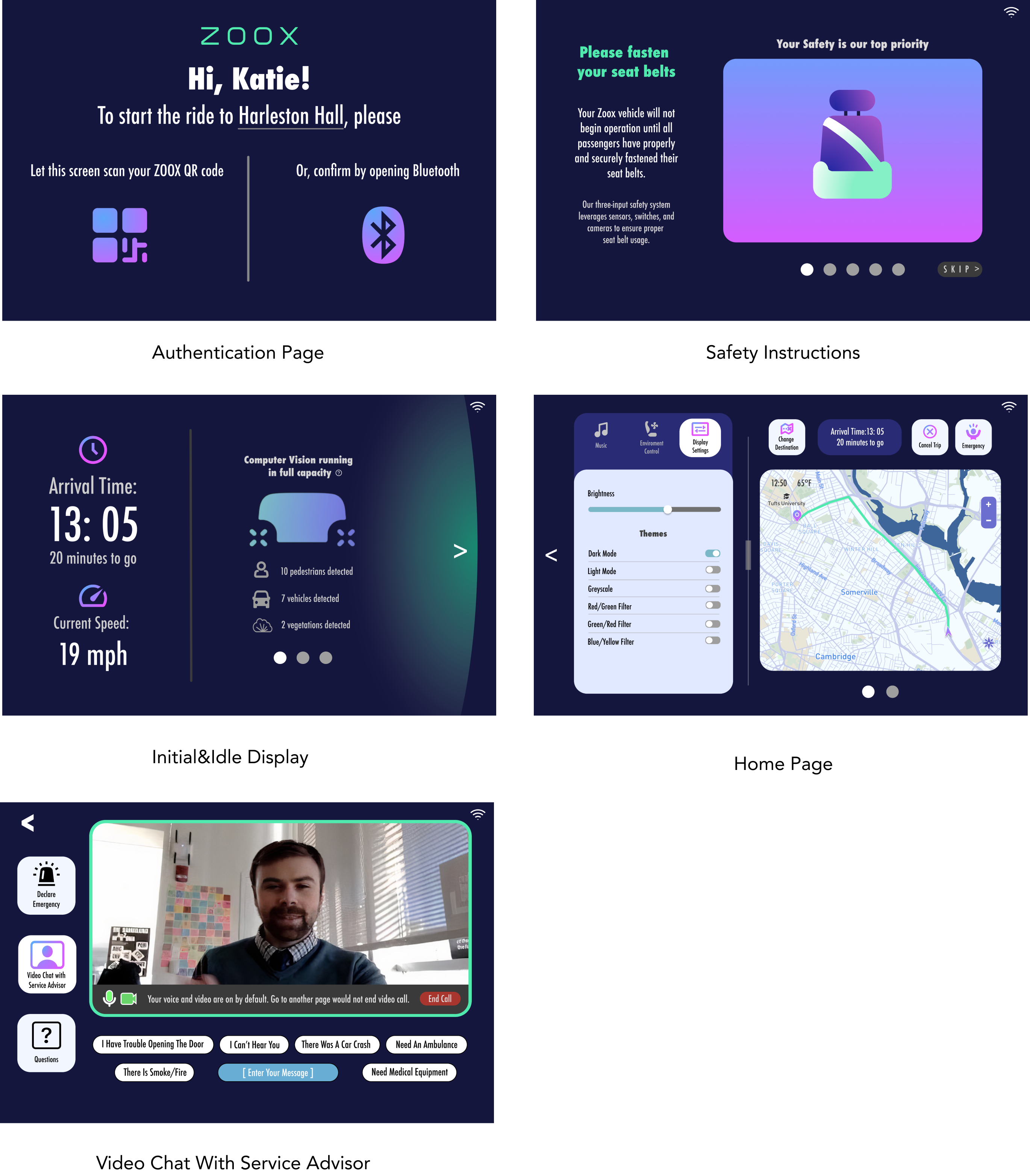
Iteration
Changes:
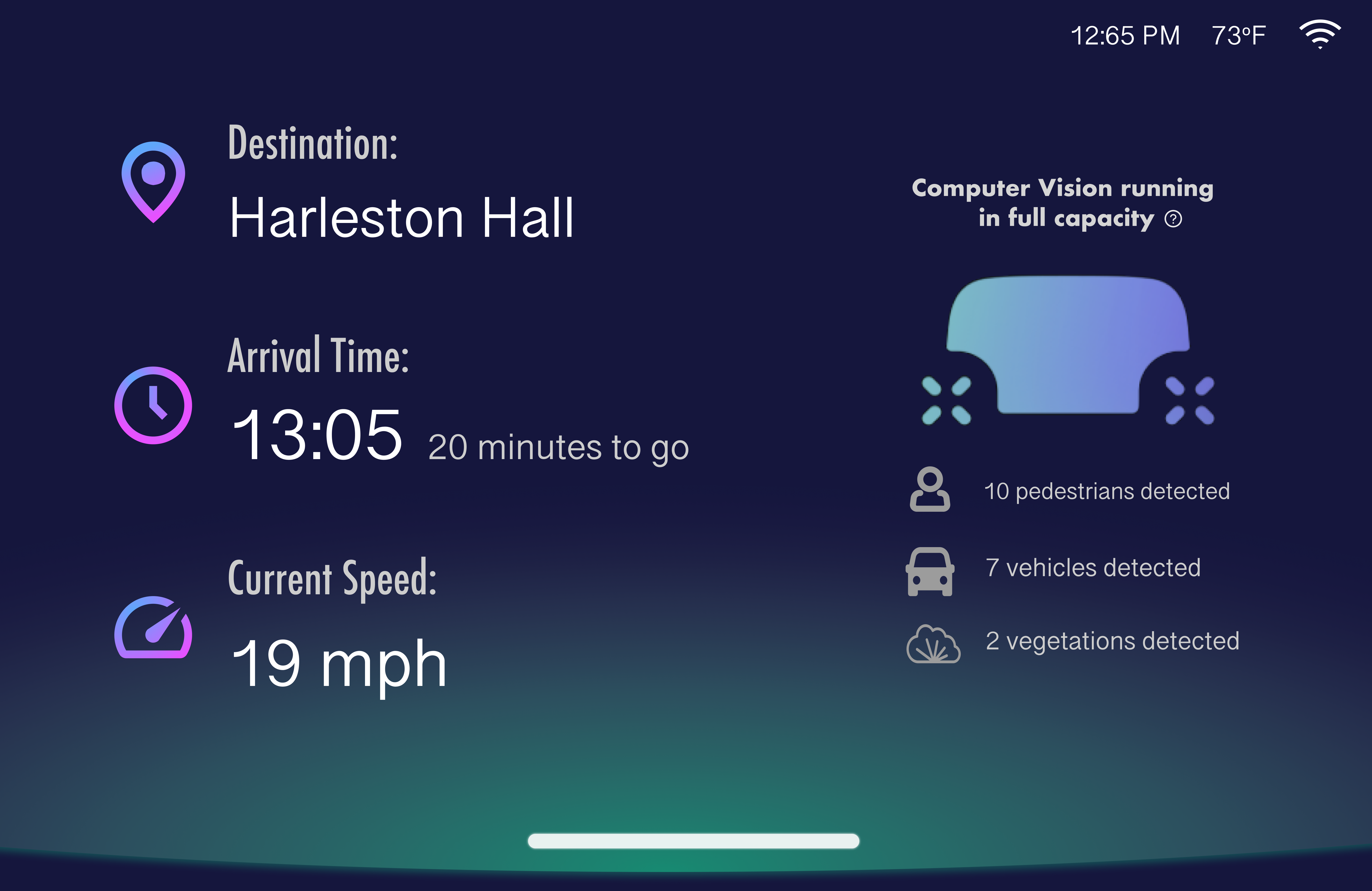
- Changed screensaver unlocking mechanism from swiping from right to left to from bottom to top, which is more in line with the motion of unlocking mobile phones or tablets. Removing the arrow also saves left and right spaces.
- Simplified the information displayed on the screensaver, making it cleaner
- Changed the orientation of the expandable page from horizontal to vertical, making the pull-out animation more concise and intuitive
- Instead of swiping the page sideways to switch between the map and the car's view, one can press the toggle button. Other than requiring a smaller range of motion, it allows the passenger to have a better idea about what the other option is.
Final Result:
View Prototype in Browser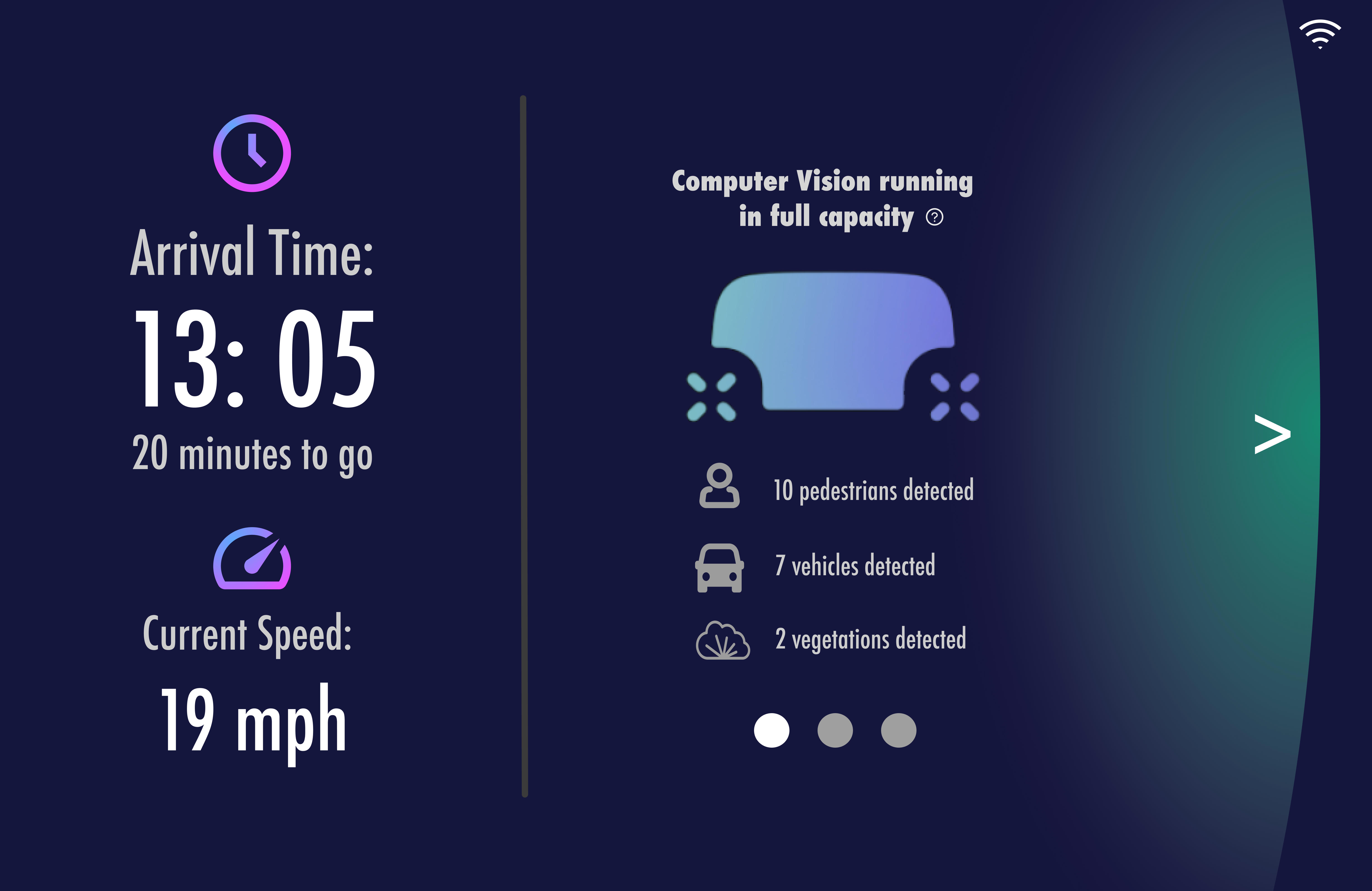
➡
➡